

Understanding Scalability in System Design
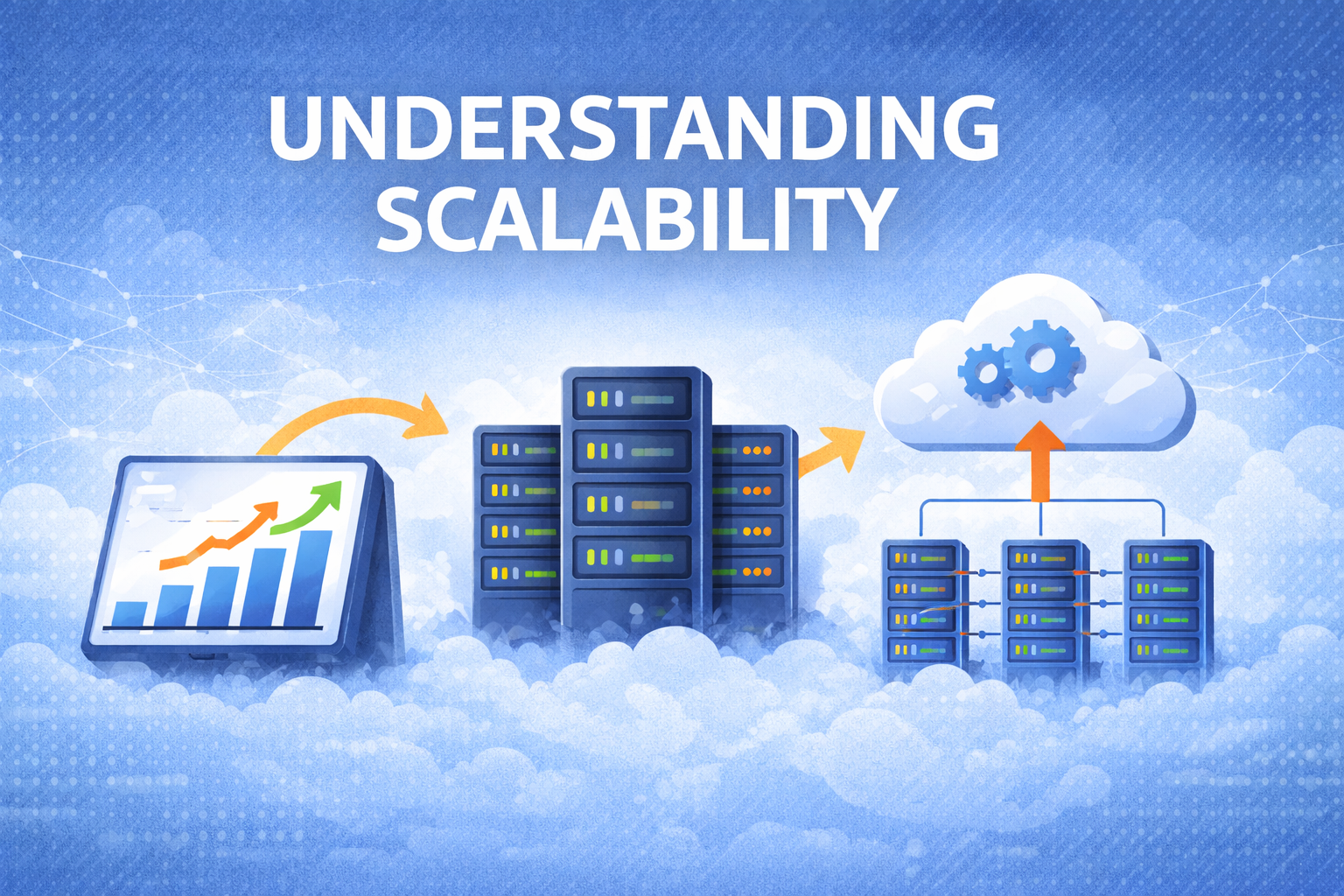
Modern systems rarely fail because they are badly written.
More often, they fail because they cannot handle growth.
A system that works perfectly with 1,000 users may completely collapse when the user base reaches 1 million. This is why scalability becomes one of the most important topics in system design.
In this article, we'll understand what scalability means, how engineers measure system load, and the different ways systems grow to handle increasing demand.
What is Scalability?
In simple terms, scalability is the ability of a system to handle growth.
Growth can happen in different ways:
More users are joining the system.
More requests are being sent to the system.
More data is being stored.
Higher traffic during peak hours.
A scalable system should be able to continue performing well even when demand increases.
For example:
Imagine an e-commerce platform during a festive sale.
If the number of users suddenly increases from 10,000 to 1 million, the system should still:
process order
update inventory
show product pages quickly
If it cannot handle this increase, the system is not scalable.
Understanding System Load
Before we talk about scaling, we must first understand what kind of load the system in handling.
Different systems measure load in different ways.
Some common load parameters include:
Requests per second
Number of active users
Read vs write operations
Cache hit rate
Amount of stored data
These metrics help engineers understand where the system is under pressure.
For example:
A video streaming platform may focus on bandwidth and concurrent users
A messaging app may care about messages per second
A social network may track timeline requests per second
Understanding the correct metric is the first step toward designing scalable systems.
Real-World Example: Twitter (Now X) Timeline Problem
One of the most famous scalability challenges comes from social media platforms like Twitter.
Two common operations happen on such systems:
Posting a tweet
Viewing a user's timeline
At first glance, posting tweets seems simple. But the real challenge lies in distributing that tweet to millions of followers.
Let’s look at two different ways to design the timeline system.
Approach 1: Compute Timeline When User Reads
In this design, the system calculates the timeline only when the user opens it.
Steps:
Find all users the current user follows
Fetch their recent tweets
Merge and sort them
Example query:
SELECT tweets.*, users.*
FROM tweets
JOIN users ON tweets.sender_id = users.id
JOIN follows ON follows.followee_id = users.id
WHERE follows.follower_id = current_user
Advantage
Writes are cheap because the system only stores tweets once.
Problem
Reads become very expensive.
If millions of users open their timelines at the same time, the system must run millions of complex queries.
This approach struggles when the read traffic is extremely high.
Approach 2: Precompute Timeline When Tweet is Posted
Another design flips the logic.
Instead of computing timelines when users read them, the system prepares the timeline when a tweet is created.
Steps:
User posts a tweet
The system copies that tweet into the timeline of each follower
Now when a user opens their timeline, the data is already prepared.
Advantage
Reading timelines becomes extremely fast.
Problem
Writes become expensive.
Imagine:
Average user has 75 followers
If 4,000 tweets are posted per second
The system now performs:
4,000 × 75 = 300,000 writes per second
For celebrities with millions of followers, a single tweet could generate millions of database writes.
Hybrid Design Used in Practice
Real systems rarely use just one approach.
Instead, they combine both.
Typical strategy:
Normal users → Fan-out on write
Celebrities → Compute on read
This reduces the load caused by huge follower counts.
The key takeaway here is:
Scalability solutions depend heavily on usage patterns.
There is no universal design that works for every system.
Measuring System Performance
When traffic increases, engineers usually ask two questions.
Question 1
If load increases but resources stay the same,
how does system performance change?Question 2
If load increases,
how many additional resources are needed?To answer these questions, we measure system performance using two main metrics.
Throughput
Throughput measures how much work the system can process.
Example:
records processed per second
tasks completed per minute
Throughput is commonly used in batch processing systems like data pipelines.
Response Time
Response time measures how long a user waits for a response.
This includes:
processing time
network delay
waiting in queues
In most web systems, response time is the most important user-facing metric.
Latency vs Response Time
People often mix these terms, but they are slightly different.
Latency
The time a request waits before processing starts.
Response Time
Total time from request to response.
Response Time = Latency + Processing Time + Network Delay
Users care about response time, because that represents how long they actually wait.
Why Average Response Time is Misleading
Many engineers make the mistake of measuring average response time.
But averages hide slow requests.
Example:
If most requests take 100 ms but a few take 5 seconds, the average may still look fine.
However, those slow requests create a bad user experience.
This is why engineers rely on percentiles.
Understanding Percentiles
Percentiles show how slow the worst requests are.
Common metrics include:
Percentile | Meaning |
50th | Median response time |
95th | Slow requests |
99th | Very slow edge cases |
Large tech companies often monitor the 99th percentile latency to ensure even rare slow requests are under control.
The Tail Latency Problem
Modern systems often depend on multiple services.
Example:
A single request may involve:
authentication service
recommendation engine
database
payment service
The overall response must wait for the slowest service.
This problem is known as tail latency amplification.
Even if most services are fast, one slow component can delay the entire request.
Methods to Handle Growing Load
Once engineers understand the load, they decide how to scale the system.
There are two common approaches.
Vertical Scaling (Scale Up)
This means upgrading a machine with more resources.
Example:
more CPU
more RAM
faster disks
Advantages
Simple to implement.
Limitations
Machines cannot grow infinitely.
Eventually, hardware upgrades become extremely expensive
Horizontal Scaling (Scale Out)
Instead of upgrading one machine, the system adds more machines.
The workload is distributed across multiple servers.
This architecture is often called shared-nothing architecture, because each machine works independently.
Advantages
Can support very large systems.
Challenges
More operational complexity.
Hybrid Scaling in Real Systems
Most real systems combine both strategies.
For example:
a few powerful machines
combined with distributed clusters
This allows systems to handle both heavy workloads and large data volumes.
Elastic Scaling vs Manual Scaling
Scaling can happen automatically or manually.
Elastic Scaling
Infrastructure automatically adds or removes servers depending on traffic.
Common in cloud platforms.
Manual Scaling
Engineers decide when to add servers.
Simpler but slower to respond to sudden traffic spikes.
Stateless vs Stateful Systems
Scaling also depends on whether a service is stateless or stateful.
Stateless Services
These services do not store user data locally.
Examples:
API servers
web servers
They are easy to scale — just add more instances.
Stateful Systems
These store persistent data.
Examples:
databases
storage systems
Scaling them requires data partitioning or replication, which adds complexity.
Final Thoughts
Scalability is not about predicting the future perfectly.
It is about designing systems that can grow when needed.
Good scalable systems start by understanding:
system load
usage patterns
performance metrics
There is no universal architecture that works everywhere.
Each system must be designed based on how users interact with it and how the workload behaves.
In the next part of this series, we’ll explore another critical property of good systems — Maintainability.
About the author
I'm a dedicated and curious engineer with a strong passion for building technology that makes a difference. My journey in tech began with a deep interest in web development, which has grown into hands-on experience in full-stack development using modern frameworks and best practices. In addition to web development, I actively explore the fields of Web3 and cybersecurity. I enjoy learning about blockchain technologies, smart contracts, and decentralized applications—constantly seeking new ways to apply them in real-world scenarios. I believe in continuous learning, clean code, and solving real problems with thoughtful design and secure solutions.
Comments
Join the discussionNo comments yet. Be the first to comment.


